Webflow components: a powerful feature for marketing teams

When you work in marketing, your focus is on messaging, campaigns, and speed to market, not on the technical details of how a website is built under the hood. That is exactly where Webflow components shine.
Webflow components are reusable, pre-built building blocks that your developer creates specifically for your team, with brand rules and responsiveness already baked in. You do not need to worry about layout structures, spacing, or code. Your only job is to pick the blocks you need, drop in your content, and launch new pages with confidence.
Here is how Webflow components work in practice and how they give your team the freedom to build and test independently.
How components work behind the scenes
At its core, every component consists of a Main Component (the master blueprint set up by your developer) and Component Instances (the individual copies you place onto your pages).
If your developer updates the spacing or typography on the Main Component, every instance across the entire website refreshes automatically. However, the real value for marketing lies in the three features that allow you to adapt each individual instance to fit a specific campaign.
1. Component Properties (Props) for safe content editing
Component properties define exactly which elements inside a component you can modify on a given page. As a marketer, you do not need to worry about accidentally dragging a container out of place or changing a font size. You simply select the component, look at the right-hand settings panel, and swap out the headline, body copy, button link, or image for that specific instance. The underlying layout stays locked and responsive across all screen sizes.
2. Component Variants for instant layout shifts
Marketing pages need variety to keep visitors engaged, and A/B testing requires fast visual changes. With Variants, your developer can pre-build multiple design options inside a single component. Instead of digging through ten different sections in the panel, you simply drop one component onto the page and pick the layout you want from a dropdown menu. In a single click, you can toggle a section between light and dark themes, switch a card from horizontal to vertical, or change a primary button to a secondary style.
3. Slots for true structural flexibility
Even when a website is built with components, a marketing team can still feel fairly limited if a section is locked to a fixed number of elements. If you cannot add an extra card to a grid, or drop in an additional paragraph with a spacer when a campaign requires more context, the component quickly becomes a rigid template instead of a flexible tool.
This is where Slots change the game, especially when paired with an atomic approach to building. If your developer turns foundational elements, such as paragraphs, spacers, buttons, and individual cards, into small standalone components (what I like to call atoms), you can place them freely inside the slots of your larger layout components.
Slots are designated areas inside a parent component that act as open placeholders for other components.
For example, imagine a standard feature section with a headline on the left and an open slot on the right. On one landing page, you can drop a lead capture form into that slot. On another page, you can combine a few atomic components, like an extra paragraph, a spacer, and a customer testimonial card, inside the exact same slot. You get custom, adaptable layouts without needing custom development or breaking the underlying grid.
A major upgrade for CMS: components inside Rich Text
One of the biggest limitations in traditional CMS setups is the dreaded wall of text in blog posts and case studies. If a content marketer wanted to drop a newsletter signup box, a product comparison card, or a tailored CTA banner right in the middle of an article, they usually had to rely on clunky workarounds or custom code embeds.
Webflow now allows you to insert component instances directly inside Rich Text elements and CMS Rich Text fields. This means your content team can enrich long-form articles with interactive, on-brand conversion blocks right where reader intent is highest.
One practical detail to keep in mind: currently, components used inside Rich Text must be self-contained. You cannot nest additional components inside slots when placing a component into a Rich Text field, nor can you unlink that instance from its main component. Even with this current boundary, it covers the vast majority of content marketing use cases, and given how fast Webflow is shipping updates to its component engine, support for deeper nesting in Rich Text is likely just a matter of time.
A cleaner workspace for marketers (and multi-site teams)
As a design system grows, dozens of technical wrappers and utility components can clutter the panel and overwhelm non-technical editors.
Webflow solves this with role-based visibility. Developers can hide complex or purely structural components from the Marketer role. When you open the Components panel, you only see the clean sections and atoms ready for use that you actually need to build pages, such as Heroes, Feature Grids, Testimonials, and CTAs.
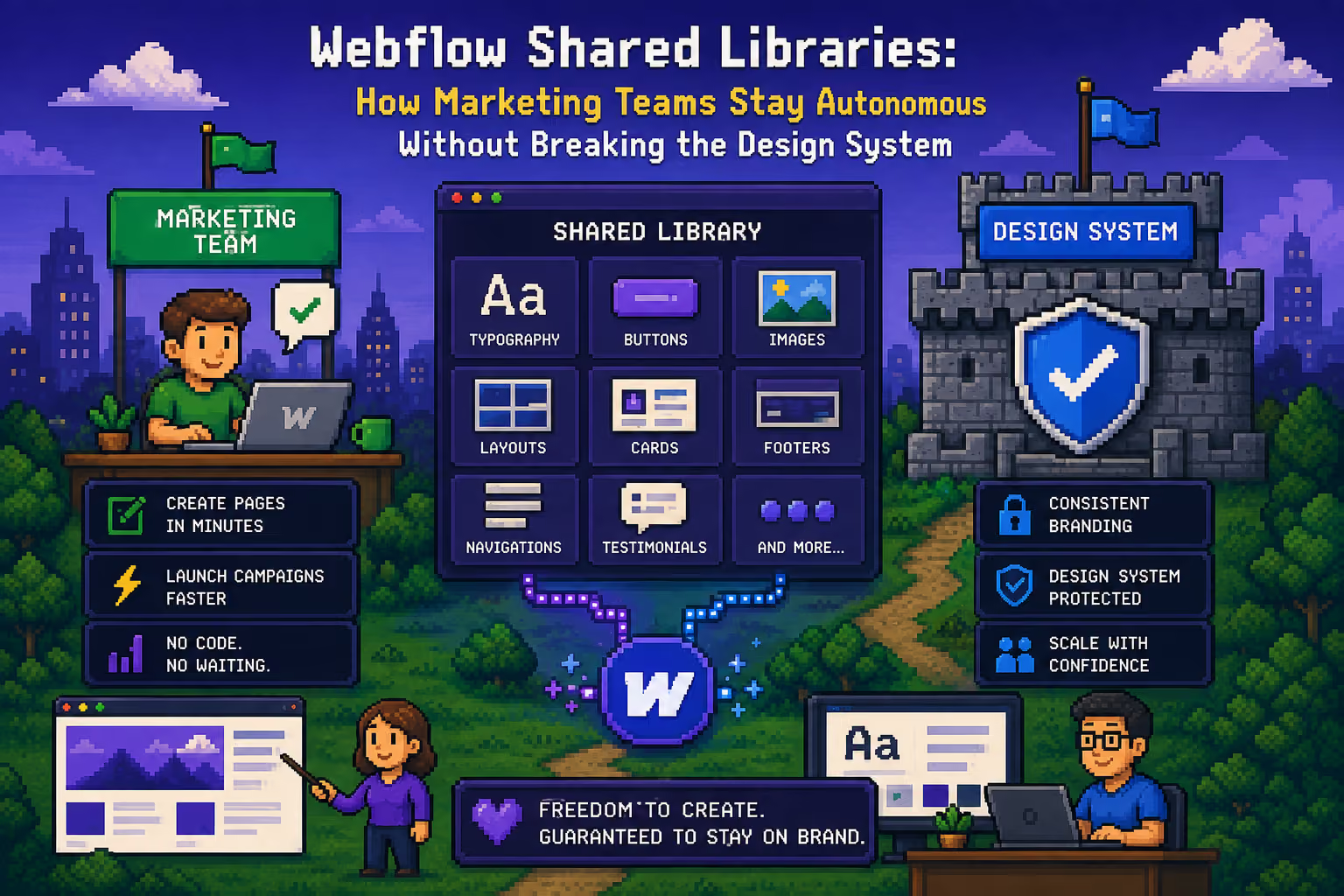
Furthermore, if your company manages multiple web properties, product microsites, or regional domains, Webflow Libraries let you share these exact components across different sites in your Workspace. You can update a legal disclaimer or a core brand banner once and roll that update out to every connected site. We cover this in more detail in Webflow Shared Libraries: how marketing teams stay autonomous without breaking the design system.
True ownership of your website
A great Webflow system gives your marketing team full creative freedom while protecting brand consistency and site stability. By combining properties, variants, slots, and components inside CMS Rich Text fields, launching new pages and campaigns becomes a fast, straightforward process where your team stays in control.
Without that system, even simple updates turn into development tasks. That is exactly why marketing teams struggle to maintain Webflow projects on their own, and why most Webflow websites do not scale well as the business grows.
If you want your Webflow site structured as a scalable component system that your marketing team actually enjoys using, reach out here and let's talk.

Milan Kostic
Webflow Developer for Marketing Teams