PHP2Shell and WordPress: Who Actually Patches Your Website?

Most website security problems start with something you can see: an outdated plugin, a weak password, a theme nobody has touched in years. PHP2Shell was different. It sat one layer deeper, in the language that runs the server, and it reached sites whose owners had done everything right.
Here is what happened, why a WordPress update doesn't solve it, what to check on your own site this week, and what this incident says about choosing a platform for the long run.
What Actually Happened
On October 20, details leaked about two critical vulnerabilities in PHP, the language behind WordPress, Drupal, Joomla, and Magento. Together they were named PHP2Shell: CVE-2026-109618 and CVE-2026-109619, both rated 9.2 on the CVSS v4.0 scale. They allow an attacker to run code on the server without logging in.
Affected versions run from PHP 5.4 through 8.5, so the bug sat in the code for more than a decade. The original discovery is credited to the research team at Calif, and security firm Wiz confirmed the attack works on standard WordPress, Drupal, and Joomla installs. No exotic configuration or abandoned plugin required.
The full scale of the damage isn't known yet, and any precise number you see right now is a guess. What is known is what a successful attack allows: stolen data, a defaced site, or complete control of the server.
Why a WordPress Update Won't Fix It
Every self-hosted WordPress site sits on two separate layers, usually owned by different people:
- The application layer: WordPress core, the theme, and plugins. Updated by you or your agency from the WP admin.
- The infrastructure layer: PHP, the web server, and the database. Updated by your hosting provider or a DevOps team, directly on the server.
PHP2Shell lives entirely in the second layer. Wordfence, the most widely used WordPress security plugin, warned that automatic WordPress updates won't apply this fix and told site owners to find out who is responsible for PHP on their server. A perfectly maintained dashboard tells you nothing about the PHP version underneath it.
For many marketing teams, that ownership question has never come up. The agency assumes the host handles it, the host assumes the client asked for it, and the site keeps running on whatever version it launched with.
A Five-Minute Check for Your Site
Send your hosting provider these questions today:
- Which PHP version is our site running? Patched versions are 8.5.12, 8.4.27, 8.3.36, 8.2.35, or anything newer in those branches.
- When was the patch applied? Temporary firewall rules are not a fix. Cloudflare itself described its rules as a stopgap only.
- Are we on PHP 8.1 or older? Those branches are out of support and received no patch, so an upgrade is urgent.
- Have you reviewed the logs since October 17? That's when the first exploitation attempt was recorded.
- Who owns PHP updates from now on? Put a name next to it.
A quick, confident answer is a good sign. Silence, or "we'll look into it," tells you how the next incident will go too.
The Bigger Lesson: This Won't Be the Last One
Two days after the emergency patch, PHP was already flagging a third, separate issue. That's not a failure of the PHP team, who moved fast. It's the nature of running your own server stack: every layer you host is a layer you have to watch, patch, and test, indefinitely.
A typical WordPress site multiplies that surface. There's the PHP runtime, the web server, the database, WordPress core, the theme, and every plugin, each from a different author with its own update schedule. Any one of them can open the door, and someone on your side has to notice in time.
That's why the more useful question after an incident like this isn't "are we patched?" It's "why are we responsible for this layer at all?"
How Webflow Handles Security
Webflow takes a different approach: it removes the server layer from your list entirely. There's no PHP runtime for you to update, no server for you to configure, and no plugin marketplace to audit. Design, CMS, and hosting run as one managed platform, and Webflow's own security team maintains the infrastructure behind it.
That's why Webflow site owners had nothing to patch during PHP2Shell. And it's not a happy accident. The platform is built around managed security, verified by independent audits:
Webflow is also clear about the logic behind it: every separate CMS instance, plugin, and hosting setup creates a blind spot, and bringing them into one platform leaves security teams with fewer systems to secure and monitor.
To be fair, no platform makes you untouchable. On Webflow you still own your account access, team permissions, and any custom code or third-party scripts you add. But that's a short, visible list, not a server stack you can't see.
WordPress vs Webflow: Who Owns What
For a broader look beyond security, I compared both platforms in Webflow vs WordPress: which platform is right for your website.
Security Is the Floor. Webflow Raises the Ceiling Too.
Nobody switches platforms just to stop worrying. The real payoff is what your team does with the time and attention that used to go into maintenance.
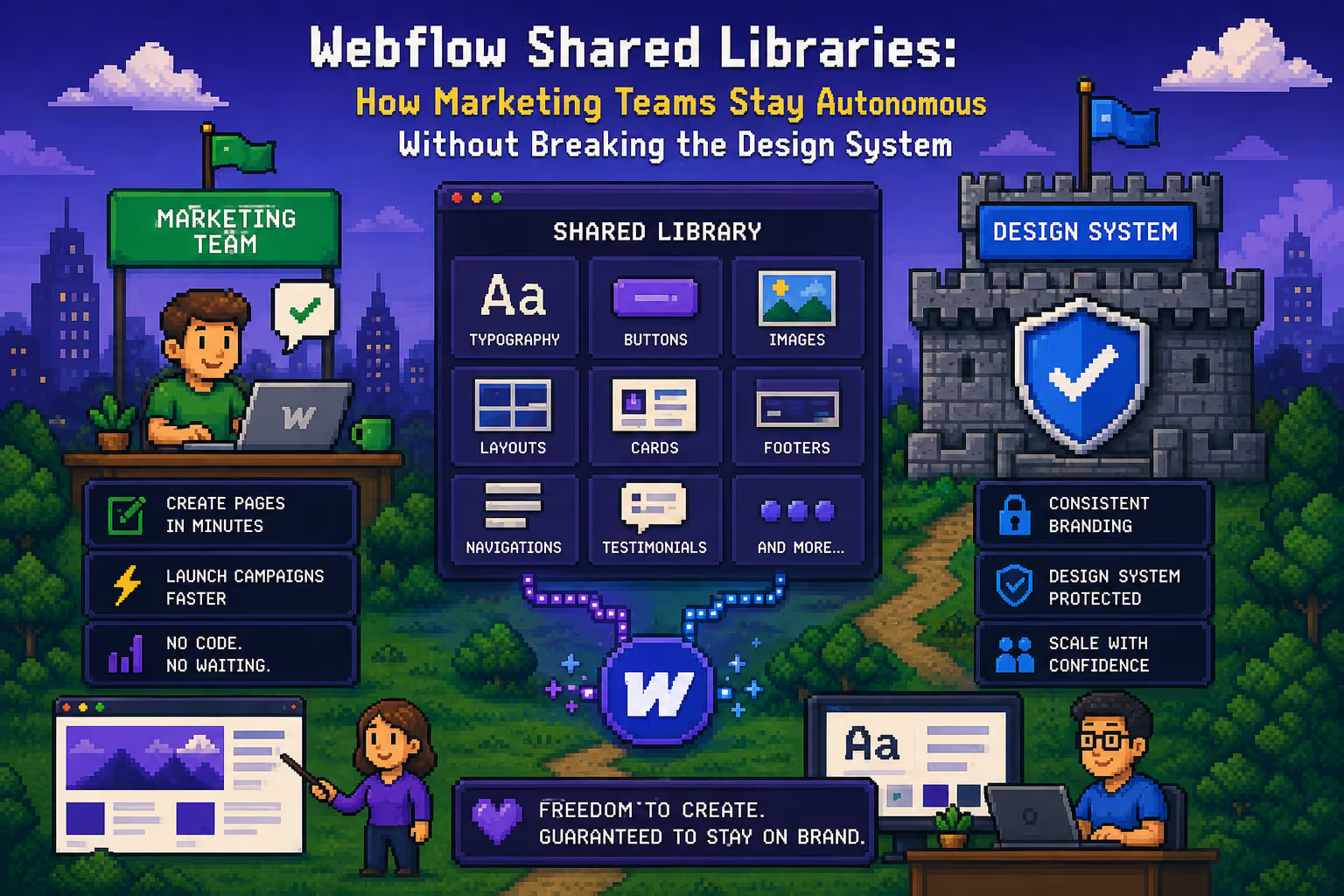
- Your marketing team ships on its own. With a component-based Webflow system, marketers build and edit pages from approved building blocks, without filing a ticket or waiting on a developer.
- Performance comes standard. Clean output and global hosting make fast load times realistic, even a 100/100 Lighthouse score on mobile.
- SEO and AI search are built in. Meta fields, schema, redirects, and sitemaps are native, which matters for both traditional SEO and AI search engines.
- The CMS scales with your content. Blogs, case studies, and resource libraries stay structured and easy for non-developers to manage.
This is a big part of why B2B and SaaS marketing teams are moving to Webflow: the security story gets them to look, and the day-to-day speed is why they stay.
Moving From WordPress Without Losing Rankings
The most common worry about switching is losing years of SEO work. With a proper plan, that doesn't happen. A careful migration moves all your CMS content, maps every old URL to its new address with 301 redirects, and rebuilds the site on a clean component architecture your team can actually edit. I've laid out the full process in my B2B Webflow migration guide and step-by-step checklist.
Ready to Stop Managing Servers?
I help B2B SaaS companies and marketing teams move from WordPress to Webflow, carrying over every page and post while protecting the rankings you've built, and delivering a modular system your team can run with from day one.
If PHP2Shell made you rethink who's really looking after your website, let's talk. Tell me a bit about your current site and what your team needs, and we'll work out the right next step together.
Sources

Milan Kostic
Webflow Developer for Marketing Teams