Webflow vs. Vibe coding: Why AI search engines can't see the sites AI tools build
Quick answer
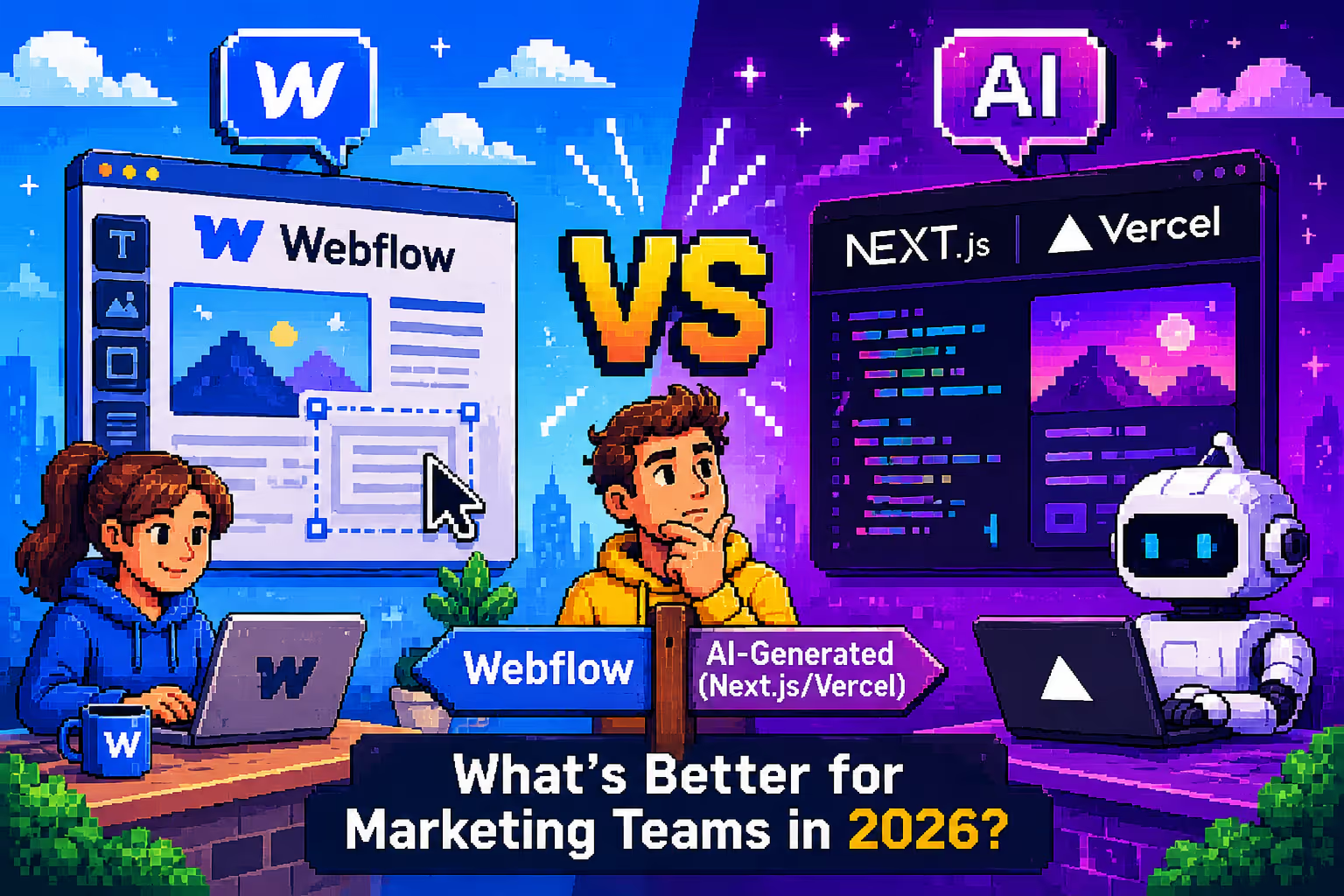
If you need a marketing site that AI search engines like ChatGPT, Claude, and Perplexity can actually read, Webflow is the safer bet in 2026. Vibe-coding tools such as Cursor, Claude Code, v0, and Lovable get you a live site faster and cheaper on day one, but most output client-side JavaScript that AI crawlers can't render. That makes the site invisible to the exact tools your buyers now use for vendor research. Webflow ships server-rendered HTML by default, which is why it stays visible, and it just added a dedicated AI-visibility product, Webflow AEO, to make that advantage measurable.
The short version: vibe coding wins on speed for a throwaway page. Webflow wins on everything that has to survive past month three.
Why everyone's suddenly vibe coding
The pitch is genuinely appealing. Type a sentence, get a working hero section in under a minute. No handoff, no ticket queue, no waiting on a developer.
That speed solves a handful of real problems:
- Near-zero day-one cost. Tools like Lovable, v0, and Bolt run $20 to $60 a month versus a $10K+ agency build.
- Full creative control in the moment. Rewrite a headline, nudge a layout, all through chat.
- Instant gratification. A live URL an hour after the idea is a genuine dopamine hit.
- No design-to-dev translation loss.
For a hackathon entry, a waitlist page, or a demo you'll throw away in a week, this is the right tool. The trouble starts when founders use it for the site their entire go-to-market depends on.
We say this as people who use AI coding tools daily. At Digi Hotshot we run Claude Code against the Webflow MCP server constantly. This isn't an anti-AI argument. It's an argument about where each tool actually belongs.
The taste gap: AI can generate a layout, not a judgment call
Open ten Lovable sites side by side and you'll see the same soft gradient, the same centered hero, the same "Introducing [Product], the [Category] for [Audience]" headline. That's not a Lovable-specific flaw. It's what happens when a language model is trained on the average of everything already shipped. It regresses to the mean, which design teams have started calling AI slop.
A model can generate a component. It can't tell you a headline is three words too long, or that a section needs more breathing room than feels comfortable. That judgment is taste, and taste is still the moat. Pair a designer who has it with Claude Code and they'll ship three times the output at the same quality. Pair a non-designer founder with the same tool and you get a site that looks like every other AI-generated page on the internet, which is a real brand cost once you're being compared against five competitors in the same tab group.
The fix-and-break cycle nobody mentions in the demo
This is the part the "I built a SaaS in a weekend" posts leave out. Fix the filter, the table breaks. Fix the table, the login screen throws an error. As a project grows, the AI's context degrades. Prompt 50 tends to produce worse code than prompt 5, because the model is juggling more inconsistent state than it can track.
Deployment and debugging consistently top the list of complaints even among technical users of these tools. Bolt adds its own twist too: every fix and regeneration burns tokens, so by the time a site looks presentable, you may be paying overage fees to patch bugs you didn't introduce.
The deeper issue is ownership. When an AI writes the codebase, nobody on the team fully understands it. Six months later, something breaks and the fix isn't "open the file." It's "re-prompt the AI and hope it remembers the context." We've migrated dozens of sites off stacks with exactly this problem, not usually off Lovable specifically, but off custom React builds and tangled WordPress setups where nobody could maintain what existed. Vibe coding doesn't remove that risk. It just gets you there faster.
The real problem: your buyers' AI Tools can't read the site your AI tool built
This is the section worth slowing down for.
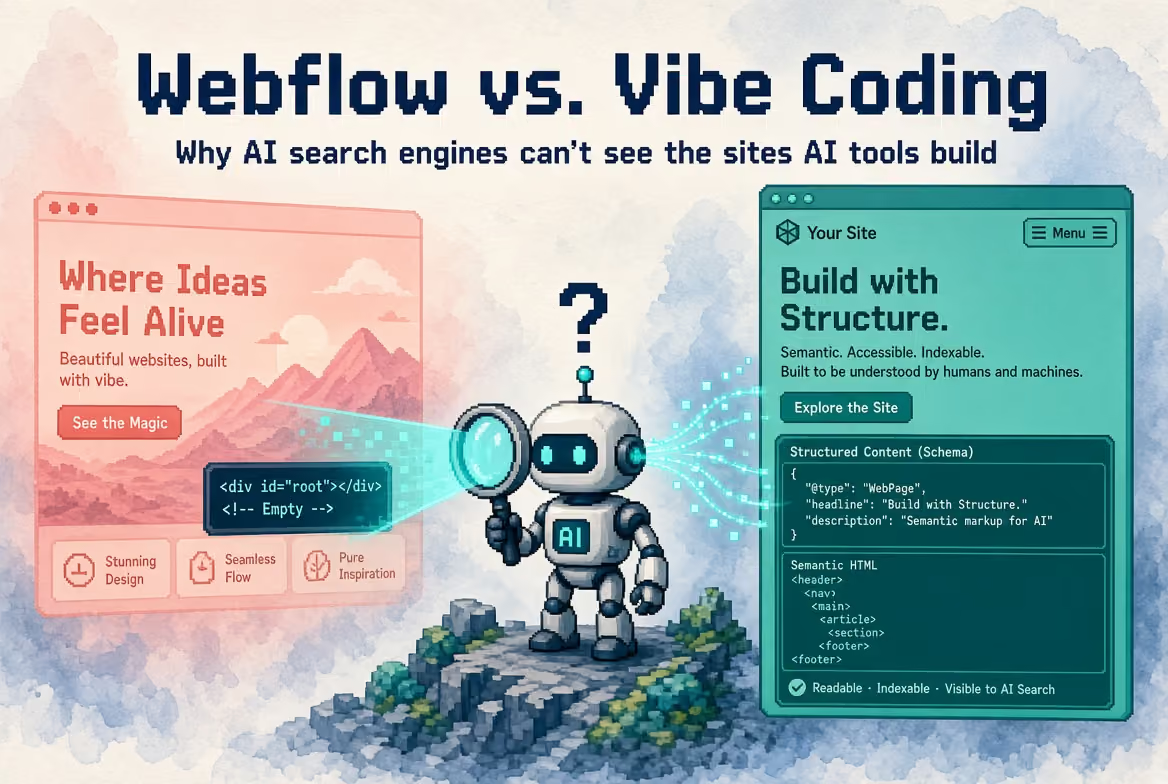
Cursor, v0, Lovable, Bolt, and Replit Agent default to client-side React or Next.js patterns. Your headline, your pricing table, your customer logos are all rendered in the browser after a JavaScript bundle loads and executes. Fine for a human with Chrome open. A different story for an AI crawler.
AI crawlers are built for cost and speed, not thoroughness. Google's Gemini leverages Googlebot's infrastructure, which gives it full JavaScript rendering, but that's the exception, not the rule. As of mid-2026, none of the other major AI crawlers render JavaScript, including GPTBot, ClaudeBot, PerplexityBot, and Meta's crawler. Gemini alone rides on Google's rendering infrastructure. A large-scale check of real traffic found GPTBot fetching JavaScript files in roughly 1 in 9 requests and ClaudeBot in roughly 1 in 4, but neither one ever executes what it downloads. They read the raw HTML and move on, so anything that only appears after client-side rendering stays invisible to them.
Put those two facts together and you get an odd loop. You build your site with an AI tool, your buyers research vendors using AI tools, and the AI tools your buyers use can't read the site the AI tool you used just built. You've engineered your own invisibility to the exact audience you were trying to reach, with one narrow exception for whatever slice of traffic comes through Gemini.
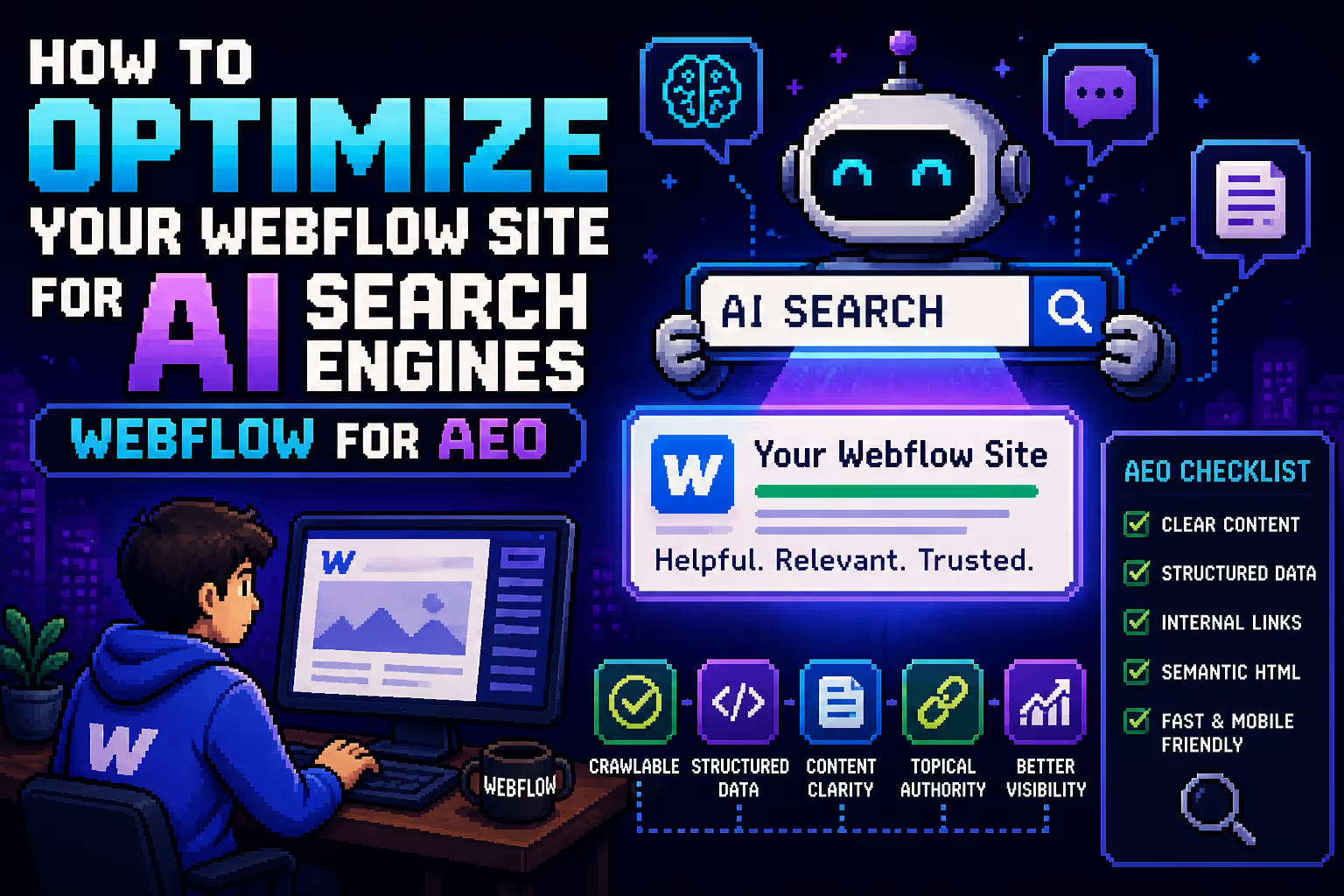
Webflow avoids this by shipping server-rendered HTML from the start. When any of these crawlers hit a Webflow page, the content is already there in the first response. No rendering step required, no exceptions needed.
Is this actually true? what independent data confirms
We don't expect anyone to take the section above on faith, so here's what's been independently measured, not just claimed:
- Vercel and MERJ's crawler analysis examined over 500 million real GPTBot fetches and found zero evidence of JavaScript execution. GPTBot downloads JS files sometimes, but never runs them.
- SearchOptimo's 2026 breakdown puts exact numbers on it: GPTBot fetched JS files in about 11.5% of requests, ClaudeBot in about 23.8%, and executed none of them.
- The one confirmed exception is Gemini. Because it rides on Google's existing Web Rendering Service, Gemini can execute JavaScript where GPTBot, ClaudeBot, and PerplexityBot cannot, confirmed directly by Google's Martin Splitt.
- This means a site can genuinely rank #1 on Google while being an empty shell to ChatGPT and Perplexity, because Google's rendering pipeline and the major AI crawlers' pipelines are not the same system.
So the core claim in this piece holds up against independent measurement: server-rendered HTML (Webflow) stays visible to AI search, and client-rendered JS (the default vibe-coding output) mostly doesn't. The one honest caveat worth keeping is that Gemini is a partial exception, so "invisible to every AI crawler" should really read "invisible to every AI crawler except the one riding on Google's own infrastructure."
Webflow AEO: The first platform built to compete for AI answers
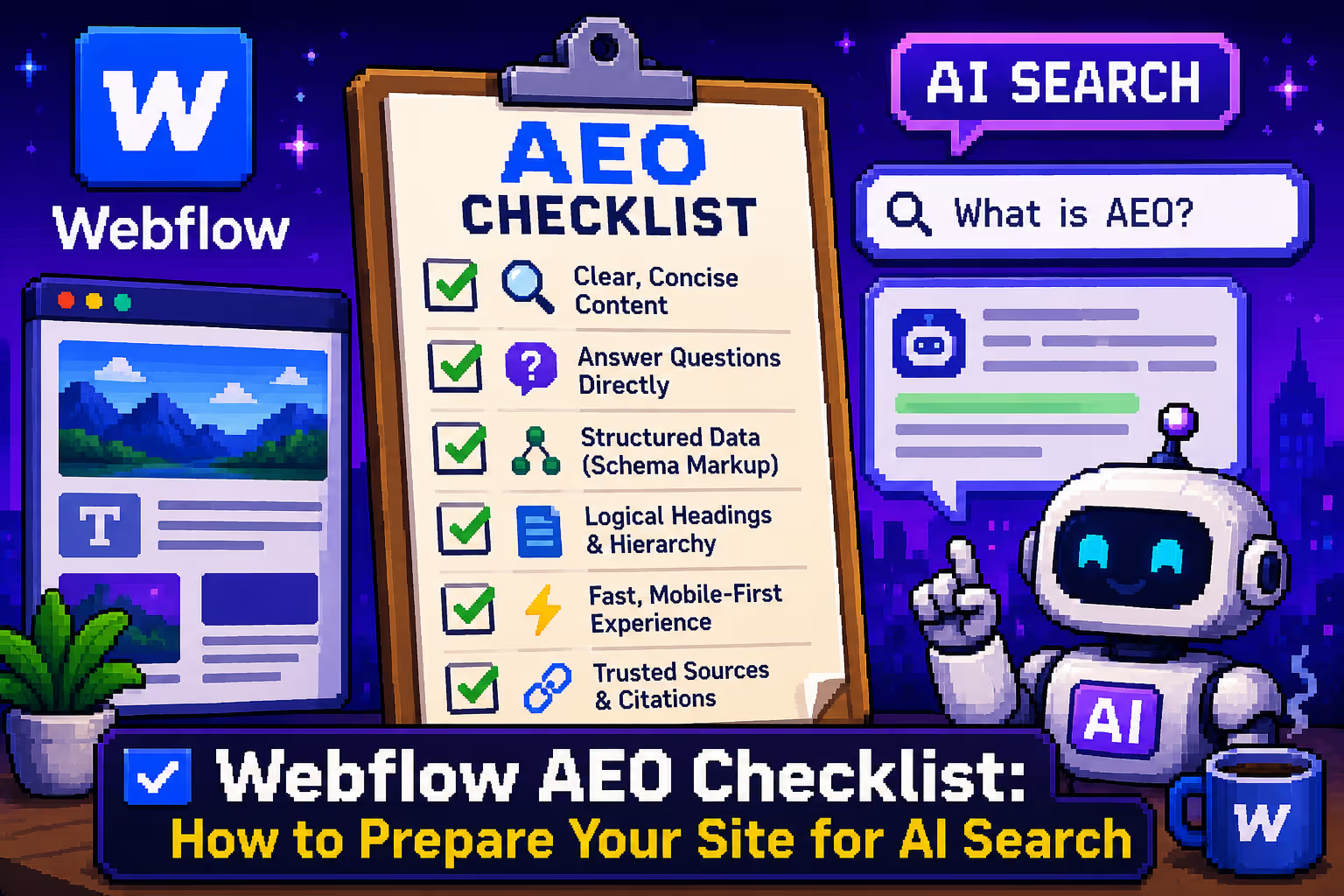
Three days before this comparison was first published, Webflow rolled out Webflow AEO, an agentic answer-engine-optimization product aimed directly at the problem above. It's in private beta for Enterprise customers and does three things:
- Measures how often a brand gets cited in AI answers, which prompts surface it, and how that visibility connects to on-site behavior, through an expanded version of Webflow Analyze.
- Recommends prioritized technical and content fixes via dedicated AEO agents.
- Executes those fixes at scale, with human review required before anything publishes.
No other major platform has shipped anything comparable. Not Framer, not the WordPress plugin ecosystem, and certainly not the vibe-coding tools, which have no visibility tooling at all.
The autonomy Webflow was actually built to protect
Webflow's original pitch was simple: marketing shouldn't need an engineering ticket to change a headline. That gap is well documented. A majority of marketers consistently cite dependence on developers as their single biggest website frustration.
Webflow closes it. Teams publish directly, no ticket, no developer on call, and go from multi-week deployment cycles down to a couple of days.
Vibe-coded sites quietly reopen that same gap. A marketer can't touch a v0 hero section without someone re-prompting and redeploying. Changing a Lovable pricing table means digging through chat history and hoping the fix doesn't ripple into the billing page. The bottleneck doesn't disappear, it just moves from "waiting on a developer" to "waiting on whoever knows how to talk to the AI." Real autonomy lives in a visual editor a marketer can open themselves, not in a prompt thread only one person can navigate.
When Vibe Coding is genuinely the right call
To be fair to the category, it's the better tool when:
- You're shipping a single-page experiment: a waitlist, a teaser, a "coming soon" page.
- You're a technical solo founder who will own and maintain the code indefinitely.
- It's a throwaway demo for a pitch meeting or conference.
- You're validating a hackathon idea.
- You're building an internal tool that will never be indexed publicly.
The math flips the moment any of these change: the site needs to live 12+ months, needs to be editable by non-technical teammates, or needs to be found by AI search engines.
The "Use Both" approach: Claude Code inside Webflow, not instead of It
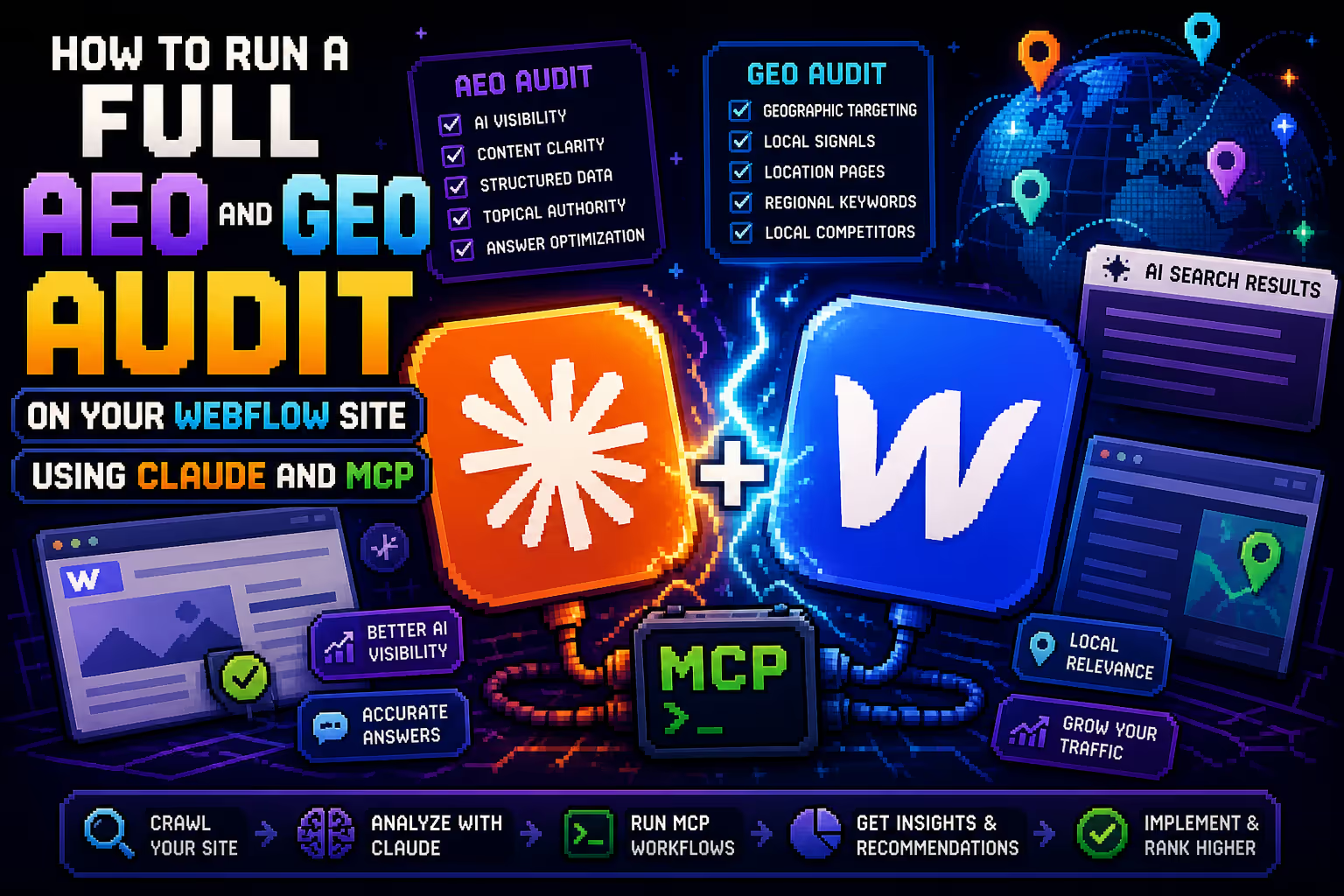
We don't treat this as AI vs. no-AI. We use Claude Code every day, just not to generate a standalone React app that becomes the marketing site. Instead, we run it through Webflow's official MCP (Model Context Protocol) server, the open standard that lets AI tools talk to platforms through a shared interface, maintained at github.com/webflow/mcp-server.
Connected this way, Claude Code can create and update CMS content in bulk, build out layouts and sections, apply classes and manage design variables, update SEO metadata and Open Graph tags, audit for broken links and missing alt text, run accessibility and SEO checks, and publish, always with human review first.
The output stays Webflow HTML: server-rendered, crawlable by GPTBot and ClaudeBot, and still editable by a marketer the next morning in the visual editor. AI operates inside the platform instead of replacing it.
The 12-Month real cost comparison
Here's how the options stack up side by side:
- Webflow + agency retainer. Day 1: $10K+ build. Month 6: retainer absorbs ongoing work. 12-month total: about $55K. AI search visibility: high, since it's server-rendered. Marketing autonomy: full.
- Webflow DIY (in-house). Day 1: $30 to $50 a month. Month 6: one marketer, part-time. 12-month total: about $15K to $25K. AI search visibility: high. Marketing autonomy: full.
- Cursor-built React app. Day 1: $20 a month plus dev time. Month 6: bug-fix queue keeps growing. 12-month total: about $30K to $60K. AI search visibility: low, since it's a JS SPA. Marketing autonomy: none.
- Lovable-built site. Day 1: $20 to $50 a month. Month 6: breaking weekly. 12-month total: about $15K to $40K. AI search visibility: low. Marketing autonomy: low.
- v0-built site. Day 1: $20 a month. Month 6: redeploy needed on every change. 12-month total: about $20K to $50K. AI search visibility: low, since it defaults to a Next.js SPA. Marketing autonomy: low.
- Bolt-built site. Day 1: $20 to $50 a month. Month 6: monthly overage costs pile up. 12-month total: about $15K to $30K. AI search visibility: low. Marketing autonomy: low.
Two things stand out. First, vibe-coded options look cheap on day one and stop looking cheap around month three. The real cost is founder hours spent fixing what the AI broke, not the subscription line. Second, nobody prices in the AI-visibility factor, but a single lead that Perplexity routes to a competitor instead of you can cost more than a full year of a Webflow retainer.
The decision framework
- Use vibe coding for a single-page experiment, a throwaway demo, a hackathon build, an unindexed internal tool, or a project a technical founder plans to own forever.
- Use Webflow when the site needs to survive 12+ months, be editable by non-technical marketers, be visible to AI answer engines, or represent a brand under direct comparison with competitors.
- Use both when you want AI speed without AI invisibility. Webflow works as the foundation, and Claude Code plus the Webflow MCP server become the layer that operates inside it.

Milan Kostic
Freelance Webflow Developer