Futuristic purple digital corridor with floating glowing spheres and geometric light patterns.

Is your site SEO-ready?

Most sites aren't optimized for AI search. Is yours?

Audit my website for free

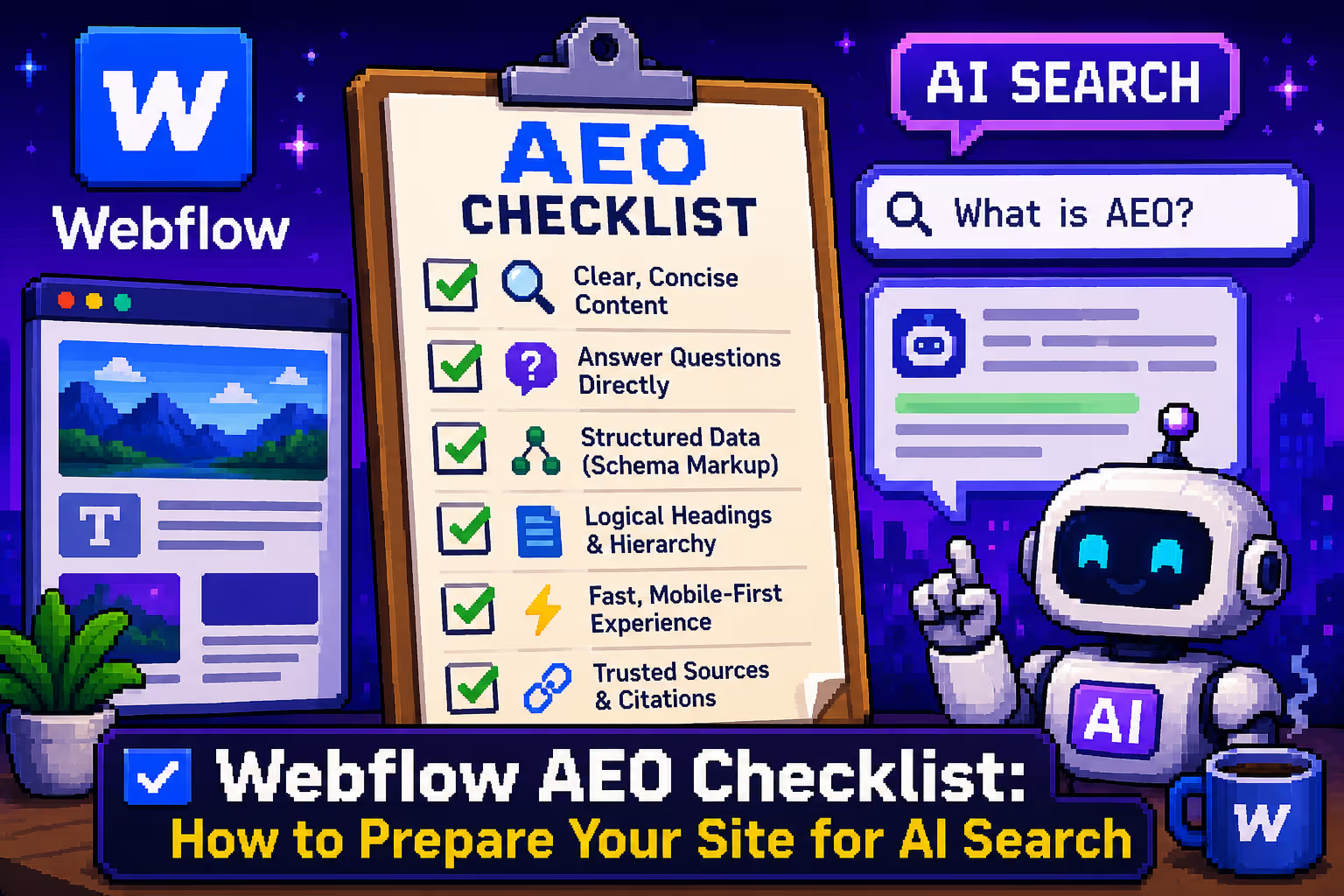
Webflow AEO Checklist: How to Prepare Your Site for AI Search

May 23, 2026
Webflow AEO Checklist: How to Prepare Your Site for AI Search

Traditional SEO as we know it is changing. While classic blue links are still fighting for clicks, search in 2026 increasingly belongs to direct answers. With the expansion of platforms like ChatGPT search, Perplexity, Claude, and Google AI Overviews, users no longer look for a list of websites. They look for an instant answer to their problem.

This shift created AEO, Answer Engine Optimization, which is the practice of optimizing your site so that AI search engines can find, understand, and cite your content. If you want to understand how AEO fits alongside traditional SEO and GEO, the post on SEO, AEO, and GEO in 2026 is a good starting point before diving into this checklist.

For B2B and SaaS companies, the goal is no longer just ranking on the first page of Google. It is about getting into the contextual window of AI models. If AI does not cite you as a source in its response, you practically do not exist for a new generation of search users. The new key metric is Share of Answer, and winning it requires a different kind of preparation than traditional SEO.

Webflow, with its clean code architecture, native CMS, and growing AI tooling, is well positioned for this transition. Here is a practical checklist of what to get right.

1. Open Your Site to AI Crawlers

Before any AI model can analyze your content, its crawlers need clean, fast, unobstructed access to your site's code.

Robots.txt management. Many sites unknowingly block AI bots through outdated configurations. In Webflow's Project Settings under SEO, make sure you are explicitly allowing access to crawlers like GPTBot, PerplexityBot, ClaudeBot, and Google-Extended. Blocking them means your content simply does not enter the picture, no matter how good it is.

Sitemap.xml. Make sure your Webflow sitemap is enabled and up to date under Project Settings. AI crawlers use it the same way traditional search bots do: as a map of everything worth indexing on your site. If a page is not in the sitemap, it is much less likely to be discovered and cited.

Clean code structure. LLMs spend resources reading your site. The cleaner the code, the faster and more accurately AI can process and map your content. Use semantic HTML tags like main, section, article, ul and li instead of stacking endless div blocks. On the CSS side, using a lightweight framework like MAST keeps your stylesheet minimal and organized, which directly helps AI crawlers understand page hierarchy faster. This is something I covered in more depth in the post on why the right Webflow framework matters for scalable websites.

Page speed and Core Web Vitals. AI crawlers prioritize sites they can read quickly and revisit often. A slow site gets crawled less frequently, which means new content takes longer to be discovered. Run a Lighthouse audit in Chrome regularly and aim for a Performance score above 80. For a detailed breakdown of how to hit top scores on Webflow specifically, the guide on getting a 100/100 Lighthouse score on Webflow mobile covers the full process.

Schema markup validation. Structured data is the most direct way to translate your content into a language AI machines understand with certainty. Use Webflow's AI Audit panel inside the Insights section to validate your Schema markup, particularly for FAQ, Product, and Author schemas. Also make sure your Schema includes sameAs fields that connect your brand entity to official profiles on LinkedIn or platforms like Crunchbase. AI search engines use these cross-references to verify authority.

2. Structure Content So AI Can Extract It

AI models do not read sites the way humans do. They look for clear patterns and direct answers. Your content architecture needs to make extraction easy.

BLUF principle. BLUF stands for Bottom Line Up Front, and it is something AI systems strongly favor. Every H2 or H3 heading in your blog should be followed immediately by one or two sentences that directly answer the question defined by that heading. The rest of the section can expand with detail, examples, and context. If an algorithm has to read three paragraphs of creative introduction before finding the actual answer, it will move on to an easier source. This connects directly to the broader topic of AEO and how AI search engines select content.

Modular CMS fields. Instead of putting everything into a single Rich Text field, break your CMS structure into logical, separate fields for key data like Quick Summary, Key Takeaways, or Pros and Cons. This makes it easier for AI to pull specific pieces of information and creates pages that are both visually clean for people and properly structured for AI scraping.

Comparison tables. One of the most common query types on AI search platforms in B2B and SaaS is direct software or feature comparison. Use native Webflow tables or clean grid components for specification comparisons. AI models pull data from structured tables with remarkable accuracy and frequently cite the source when generating comparative answers.

FAQ sections. Questions and answers are one of the most cited content formats by AI search engines. Structure your FAQ content using proper FAQ Schema markup so AI models can pull individual question-answer pairs directly. Every blog post and service page should have a FAQ section that addresses the real questions your audience types into search.

3. Build Signals of Authority

AI models do not take content at face value. They constantly cross-reference data across the web to confirm that there is real expertise and trustworthiness behind what they are reading. This is what Google calls E-E-A-T, which stands for Experience, Expertise, Authoritativeness, and Trustworthiness, and it applies to AI search just as much as traditional SEO.

Author profiles with real depth. Generic bylines like "Written by the marketing team" are one of the fastest ways to get passed over by AI search engines. Each author profile in your CMS should include dedicated fields for a LinkedIn profile link, personal website, and relevant professional credentials. Connect these fields through Webflow custom code to a ProfilePage or Person Schema on blog templates. When ChatGPT or Google's AI crawler recognizes external references in your code, it connects the author to their real digital footprint and raises the authority score of the whole article. For a deeper look at how schema markup works in practice, the post on schema markup and why it matters covers it well.

The llms.txt file. Just as robots.txt is the standard for traditional search crawlers, llms.txt is becoming the new standard for the AI era. It is a plain text file in Markdown format placed at the root of your site that serves as a concise summary of your site written specifically for LLM consumption. If you want to understand what LLMs are and why this matters, the post on what LLMs mean for building websites gives good background. Since Webflow does not allow direct file uploads to the root directory in the standard way, the practical solution is to create a static page with the URL /llms and place clean, unstyled Markdown content on it, H1, H2, and bullet points only, that briefly explains what your company does, what your key services are, and where your main content lives. No navigation, no CSS, no design. Just clear information that an LLM can scan in milliseconds.

Original data and primary sources. AI search engines cite sites that bring new, first-party data far more than sites that recycle existing information. Include original charts, statistics from your own business, and real case studies wherever you can. When you upload these to Webflow, use clear and descriptive alt text on images. Visual AI models like GPT-4o now directly analyze charts and graphics from your pages when generating answers, so alt text is no longer just an accessibility consideration.

Quick Reference Checklist

Before you consider your site AEO-ready, go through these points:

  • AI crawlers are allowed in robots.txt (GPTBot, PerplexityBot, ClaudeBot, Google-Extended)
  • Sitemap.xml is enabled and up to date in Webflow Project Settings
  • Semantic HTML tags are used throughout the site structure
  • Lighthouse Performance score is above 80 on mobile
  • FAQ, Author, and Product Schema markup is validated
  • sameAs fields in Schema link to LinkedIn and external profiles
  • Every blog post opens with a direct BLUF answer under each heading
  • FAQ section exists on every key page with proper Schema
  • Author profiles include LinkedIn, credentials, and are connected to Person Schema
  • llms.txt page exists at /llms with clean Markdown content
  • Images have descriptive alt text, including charts and data visuals
  • Internal linking connects related content across the site

Conclusion

AEO is not a separate strategy you run alongside SEO. It is the next layer built on top of it. The fundamentals still matter: good content, clear structure, fast load times, proper heading hierarchy. But the sites that will perform well in AI search are the ones that go one step further and make it genuinely easy for machines to read, trust, and cite them.

What this checklist really comes down to is clarity. Clean code that crawlers can navigate without friction. Content that answers questions directly before expanding on them. Author profiles and schema that give AI systems enough context to verify who is behind the content. And a site structure that treats each piece of information as something worth surfacing, not just something worth publishing.

The good news is that everything that makes a site better for AI search also makes it better for people. Faster, cleaner, more direct, and easier to trust. That is the direction worth building toward. If you want to go even further and run a full AEO and GEO audit on your Webflow site, the guide on running a full AEO and GEO audit using Claude and MCP walks through the whole process.

Frequently Asked Questions

What is AEO and how is it different from SEO?

AEO stands for Answer Engine Optimization. While SEO focuses on ranking your pages in traditional search results, AEO focuses on getting your content cited as a direct answer by AI search engines like ChatGPT, Perplexity, and Google AI Overviews. SEO gets you found. AEO gets you cited.

Do I need to know how to code to implement AEO on Webflow?

Not for most of it. Things like robots.txt configuration, schema validation through Webflow's Insights panel, and structuring your CMS fields are all doable without custom code. The llms.txt page and author schema implementation do require some basic custom code knowledge.

What is llms.txt and does my Webflow site need one?

llms.txt is a plain text file that summarizes your site for AI models, similar to how robots.txt works for traditional crawlers. It is not yet a universal standard but is gaining adoption quickly. For Webflow, you create it as a static page at the /llms URL with clean, unstyled Markdown content.

How does schema markup help with AEO?

Schema markup translates your content into structured data that AI systems can read and understand with certainty. FAQ schema, Author schema, and Product schema are the most valuable for AEO. Webflow's built-in AI Audit panel in the Insights section can help you validate your schema implementation.

How long does it take to see results from AEO optimization?

AEO results are harder to measure than traditional SEO because AI citation data is not always visible. Generally you can expect to see improvements in AI-generated answer citations within two to four months of implementing proper schema, content structure, and authority signals consistently across your site.

Let’s talk about your website

Other articles

What to Focus on When Building a Webflow Site

What to Focus on When Building a Webflow Site

A practical guide on everything to plan and consider before and during a Webflow build, from class systems and CMS to responsiveness and launch testing.

AI Project Management Tools: An Honest Review for 2026

AI Project Management Tools: An Honest Review for 2026

Not every project management tool that says AI-powered actually is. Here is an honest breakdown of ten tools organized by what your team actually needs.

The Developer-First Web Designer: How to Design in Figma Like a Developer Thinks
The Developer-First Web Designer: How to Design in Figma Like a Developer Thinks
Most web designers hand off beautiful Figma files that are painful to build. Here is how to design with a developer-first mindset from the very first frame.

Webflow vs Squarespace: A Straightforward Breakdown for 2026

Webflow vs Squarespace: A Straightforward Breakdown for 2026

Webflow and Squarespace are often compared, but they serve completely different users. Here is a clear breakdown of the key differences across design, CMS, SEO, ecommerce, and pricing.

What are LLMs and what does that mean for building websites

What are LLMs and what does that mean for building websites

A practical guide to understanding large language models and how to make your Webflow site more readable and citable by AI tools.

Why B2B SaaS Marketing Teams Are Switching to Webflow in 2026

Why B2B SaaS Marketing Teams Are Switching to Webflow in 2026

The real question isn't whether Webflow is a good tool. It's why so many B2B SaaS companies spent years accepting that their website was the slowest part of their organization.

How to Run a Full AEO and GEO Audit on Your Webflow Site Using Claude and MCP

How to Run a Full AEO and GEO Audit on Your Webflow Site Using Claude and MCP

How to audit your Webflow site for AEO and GEO in under 30 minutes using Claude and MCP, with exact prompts for each step.

How to Run a Full Webflow SEO Audit Using Claude and MCP in Under 30 Minutes

How to Run a Full Webflow SEO Audit Using Claude and MCP in Under 30 Minutes

How to use Claude connected to your Webflow site via MCP to run a full SEO audit in under 30 minutes, with exact prompts you can copy and use today.

How to Optimize Your Webflow Site for AI Search Engines: Webflow for AEO

How to Optimize Your Webflow Site for AI Search Engines: Webflow for AEO

A practical guide to AEO for Webflow sites in 2026. How AI search engines discover, extract, and cite your content, and what to do about it.

The Best AI Tools for Startups in 2026. From Launch to Series A

The Best AI Tools for Startups in 2026. From Launch to Series A

A stage-by-stage breakdown of the best AI tools for startups in 2026, from building your first MVP and marketing site to scaling past Series A.

How the right website pays for itself

How the right website pays for itself

A poorly built website costs more than you think. Learn how the right website saves money, reduces ongoing expenses, and actively earns for your business.

Why I build every client website in Webflow (and what that means for you)

Why I build every client website in Webflow (and what that means for you)

There are dozens of platforms to build a website on. Here's why I use Webflow for every client, and what you actually get as a result.

Why your outdated website is costing you clients (and how to know if yours qualifies)

Why your outdated website is costing you clients (and how to know if yours qualifies)

60% of small businesses lose customers because of website issues. Most of them don't even know it's happening. Here's how to tell if your site is one of them.

Why blogging still works in 2026 (and how to do it without wasting time)

Why blogging still works in 2026 (and how to do it without wasting time)

Over 60% of internet users read blogs regularly. 81% of marketers say it still delivers results. So why does every small business owner I talk to have a blog they haven't touched in a year?

How to Use the Webflow Connector in Claude (Complete Guide)

How to Use the Webflow Connector in Claude (Complete Guide)

Learn how to set up the Webflow connector in Claude, what you can automate, and where the real limits are.

What is Webflow?

What is Webflow?

Learn what Webflow really is, why it's not just another website builder, and how it works.

What is Schema Markup? The Secret Language of High-Ranking Websites

What is Schema Markup? The Secret Language of High-Ranking Websites

What exactly is Schema markup? Learn how structured data helps Google understand your content and why it's the most underused growth asset in technical SEO.

How to Get a 100/100 Lighthouse Score on Webflow Mobile: A Full-Service Guide

How to Get a 100/100 Lighthouse Score on Webflow Mobile: A Full-Service Guide

Achieve a perfect 100/100 Lighthouse score on Webflow mobile. Learn expert strategies for AVIF images, font preloading, and script delays to boost your SEO ranking.

The Ultimate Webflow Migration Checklist for B2B & SaaS: A Stress-Free Guide to Scaling Without Losing SEO Juice

The Ultimate Webflow Migration Checklist for B2B & SaaS: A Stress-Free Guide to Scaling Without Losing SEO Juice

Moving your SaaS site to Webflow? Use this technical checklist to protect your SEO, automate CMS migration, and sync your CRM. Migrate without the stress.

The Ultimate Guide to Webflow SEO in 2026

The Ultimate Guide to Webflow SEO in 2026

Master Webflow SEO in 2026. Learn how to leverage AI, optimize for zero-click searches, and boost site speed with Webflow’s built-in tools. Start ranking higher!

From Figma to Webflow: The Definitive Guide for 2026

From Figma to Webflow: The Definitive Guide for 2026

Turn Figma designs into high-performance Webflow websites with a structured workflow, clean architecture, and modern best practices.

How much does a business website cost in the US?

How much does a business website cost in the US?

Learn how much a business website really costs in the US. A clear breakdown of pricing for small businesses, startups, landing pages, and larger projects.

Webflow vs Lovable: a platform comparison. Which one is better?

Webflow vs Lovable: a platform comparison. Which one is better?

A practical comparison of Webflow and Lovable. Learn which no-code platform is better for design flexibility, SEO, scalability, and long-term website growth.

Best No-Code Platforms for Websites in 2026: A Complete Comparison

Best No-Code Platforms for Websites in 2026: A Complete Comparison

A complete comparison of the best no-code platforms for building websites in 2026. Compare Webflow, Framer, Wordpress, and more to choose the right platform for your project.

Webflow and Framer: A Practical Comparison for 2026

Webflow and Framer: A Practical Comparison for 2026

Full 2026 Webflow vs Framer comparison covering CMS power, pricing, SEO tools, AI features, and which no-code platform fits your project.

Webflow App Gen: A Complete Guide to the AI Revolution in Web App Generation

Webflow App Gen: A Complete Guide to the AI Revolution in Web App Generation

Learn what Webflow App Gen is and how it uses AI to generate production-ready web applications directly inside Webflow. Features, CMS integration, and deployment explained.

Webflow Migration Guide: How to Move Your B2B Website Without Losing SEO Rankings

Webflow Migration Guide: How to Move Your B2B Website Without Losing SEO Rankings

Learn how to migrate your B2B website to Webflow without losing SEO rankings. A practical guide covering redirects, CMS structure, performance, and post-launch checks.

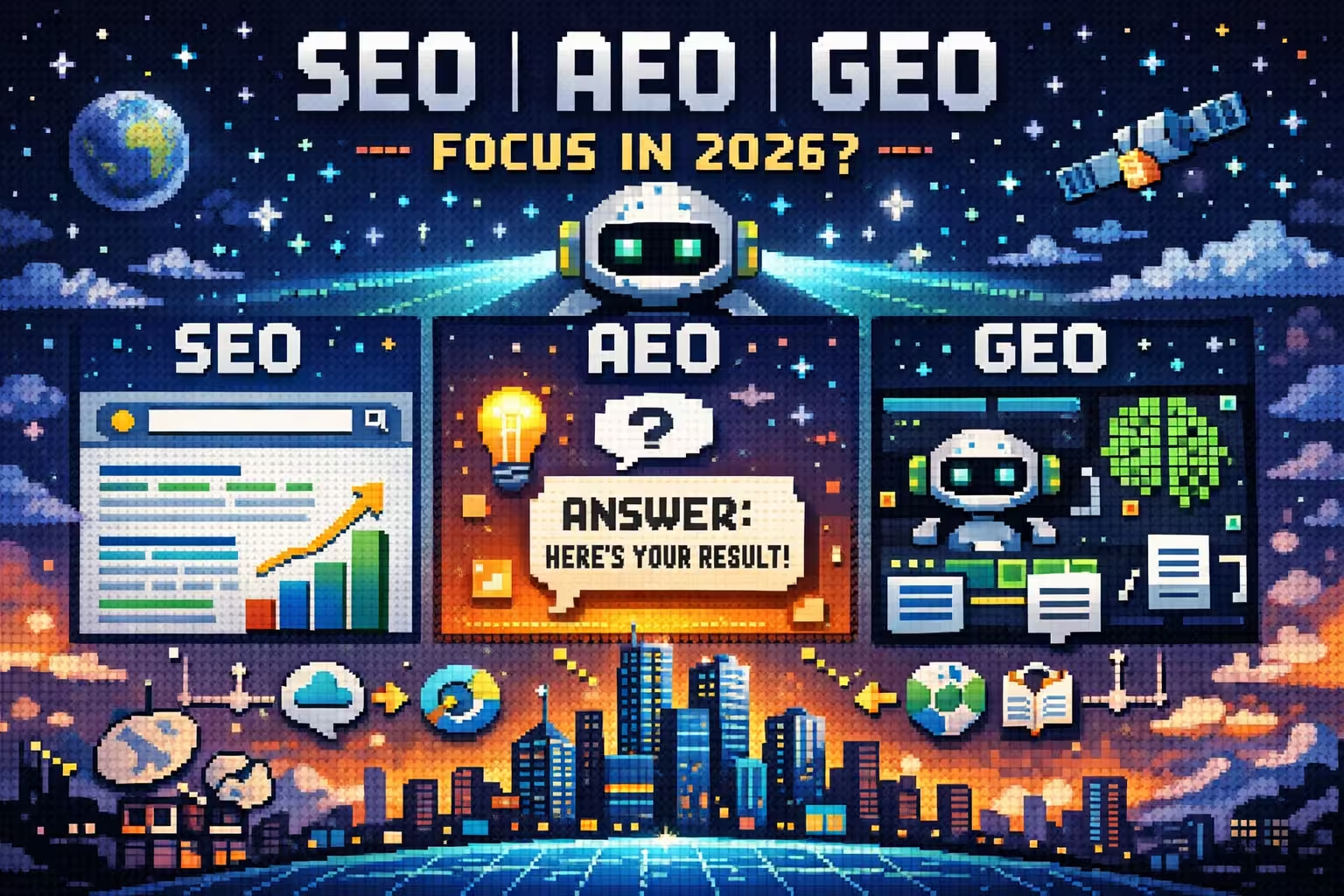
SEO, AEO, and GEO: what should you focus on in 2026?

SEO, AEO, and GEO: what should you focus on in 2026?

Learn the difference between SEO, AEO, and GEO, how search is evolving, and what to focus on in 2026 to stay visible in AI-driven and traditional search.

The difference between award-winning and high-converting websites

The difference between award-winning and high-converting websites

What’s the real difference between award-winning and high-converting websites? Learn how design goals, usability, and strategy impact business results.

How to fix conversion issues when you already have traffic

How to fix conversion issues when you already have traffic

Your website gets traffic but no leads? Learn why visitors aren’t converting and how better design, messaging, and structure can turn traffic into real business results.

Migrating to Webflow from other platforms

Migrating to Webflow from other platforms

Learn how migrating to Webflow from WordPress or other platforms works, what the real process looks like, and how it affects performance, scalability, and SEO.

Why SaaS companies should move to Webflow in 2026

Why SaaS companies should move to Webflow in 2026

Discover why SaaS companies are moving to Webflow in 2026 for better performance, SEO control, scalability, and faster marketing workflows.

Is Webflow Good for SEO? What Actually Matters

Is Webflow Good for SEO? What Actually Matters

Is Webflow good for SEO? Learn what actually affects rankings, from content and structure to technical setup, and why Webflow isn’t the problem.

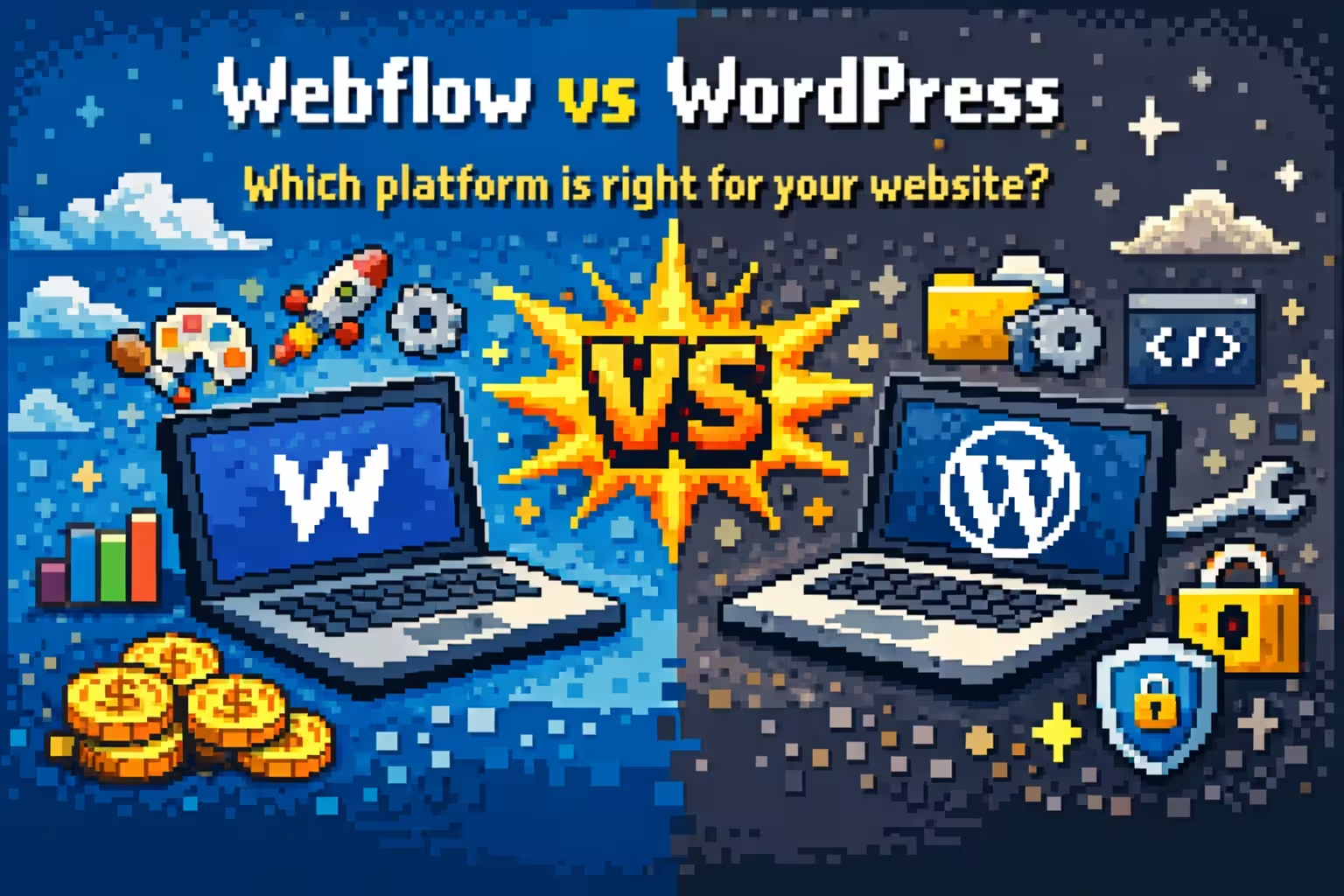
Webflow vs WordPress which platform is right for your website

Webflow vs WordPress which platform is right for your website

This article breaks down whether Webflow is a better alternative to WordPress.

Should designers understand Webflow frameworks for smoother projects?

Should designers understand Webflow frameworks for smoother projects?

Learn why designers benefit from understanding Webflow frameworks and how shared structure improves collaboration, reduces friction, and keeps projects running smoothly.

Why the right Webflow framework matters for scalable websites?

Why the right Webflow framework matters for scalable websites?

Learn why the right Webflow framework is key to building scalable, consistent, and easy to maintain websites.

A closer look at Webflow components

A closer look at Webflow components

Learn why Webflow components are essential for scalable websites and how a component based approach improves consistency, speed, and long term growth.

When design breaks the development process and slows growth

When design breaks the development process and slows growth

Learn how poor design decisions create friction in development, introduce technical debt, and limit long term website scalability and growth.

Why marketing teams struggle to maintain Webflow projects on their own?

Why marketing teams struggle to maintain Webflow projects on their own?

Learn why marketing teams often struggle to manage Webflow websites, the structural mistakes behind it, and how to build a site that supports growth.

Why most Webflow websites do not scale well?

Why most Webflow websites do not scale well?

Learn why many Webflow websites struggle to scale, the structural mistakes behind them, and how to build a Webflow site that supports long term growth.

Webflow vs Custom code: How to choose the right approach for your website?

Webflow vs Custom code: How to choose the right approach for your website?

A clear comparison of Webflow and custom code, focused on choosing the right solution based on speed, flexibility, and business maturity.